01THE NIGHT BEFORE
Plan tomorrow.
Write the few things that matter, place each task in a realistic time block, and leave room for meals, movement, and interruption.
PRIVATE PREVIEW · VIWOODS AIPAPER
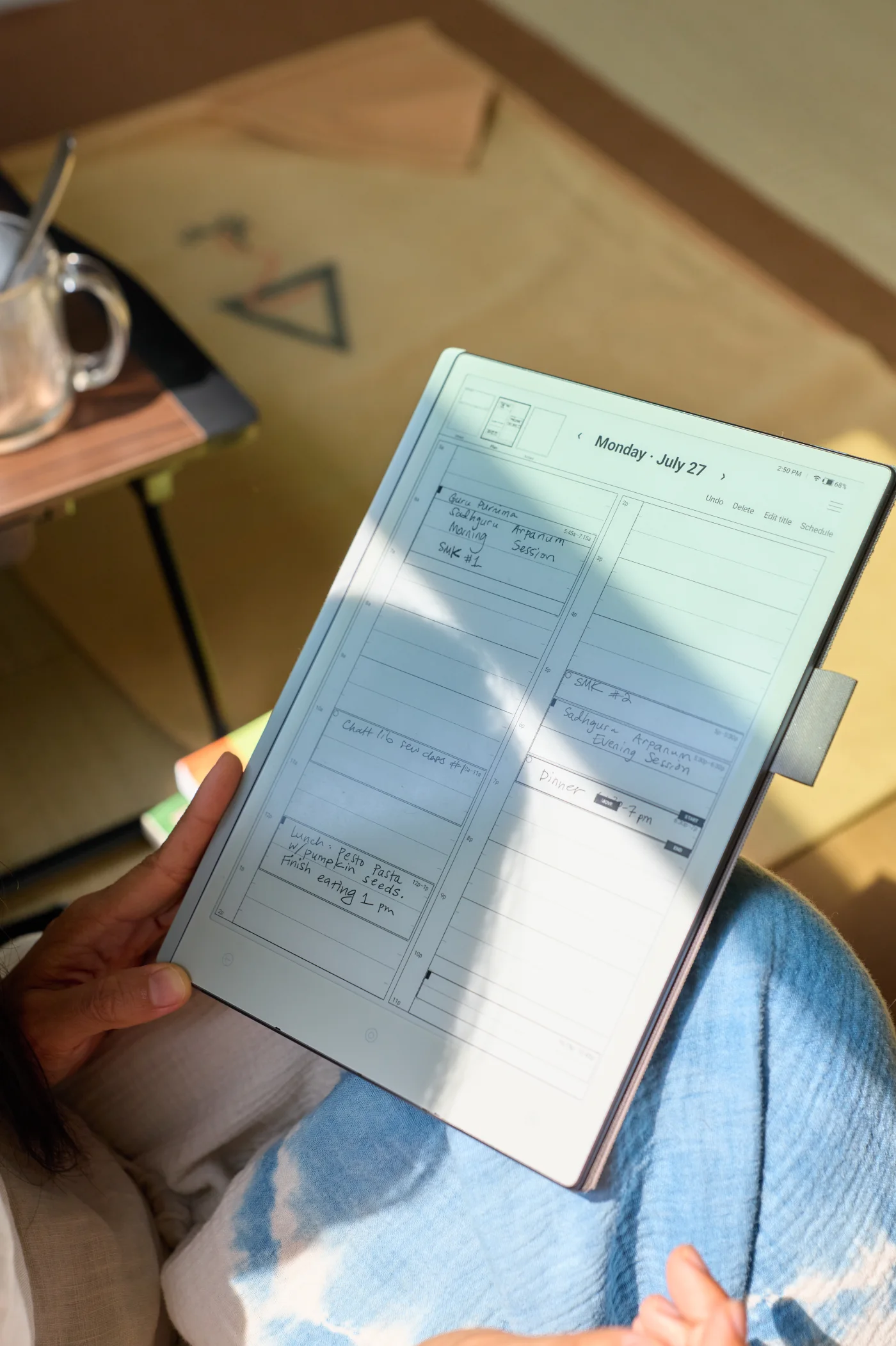
Write tomorrow hour by hour. Recognized time blocks automatically sync through the tablet’s Google Calendar connection, keeping your plan available across your devices.
Built and tested first on Viwoods AiPaper.
01HOW IT WORKS
Write the few things that matter, place each task in a realistic time block, and leave room for meals, movement, and interruption.
Use the current block to answer what comes next. Move or resize a task when the day changes; its linked calendar event follows.
Keep the page in history, move unfinished work deliberately, and use what happened today to make tomorrow’s plan more realistic.
02DOWNLOAD
The app remains in private testing while calendar synchronization is verified.
CURRENT PROJECT STATUS
Return to Download when the tablet-tested APK is available.
Confirm the version and file hash shown here before opening the download.
Android will warn about an app installed outside its store. Allow this browser, finish the update, then turn that permission off again if you prefer.
RELEASE UPDATES
Email signup will open when a mailing destination is connected. Until then, this page will always show the current Viwoods release status.